FIGMA FOR UBER
Explore, validate, and ship faster
One platform where PMs explore ideas, designers scale systems, and engineers ship with real context — no more recreating work across disconnected tools.
Have a question? Meet with us.
Have a question? Meet with us.
Trusted by teams at





Ai Powered workflows That keep Uber teams aligned
Your design system doesn't just power your teams, it guides AI
When Figma remains your source of truth for every AI output—not just a reference—consistency doesn't depend on reviewers catching drift. It's enforced at the point of generation, across every team, at Uber.
AI-assisted prototyping that connects to your design system lets Uber's product teams put multiple realistic concepts in front of stakeholders before committing to a build path. Fewer wrong turns. Faster alignment. Better products.
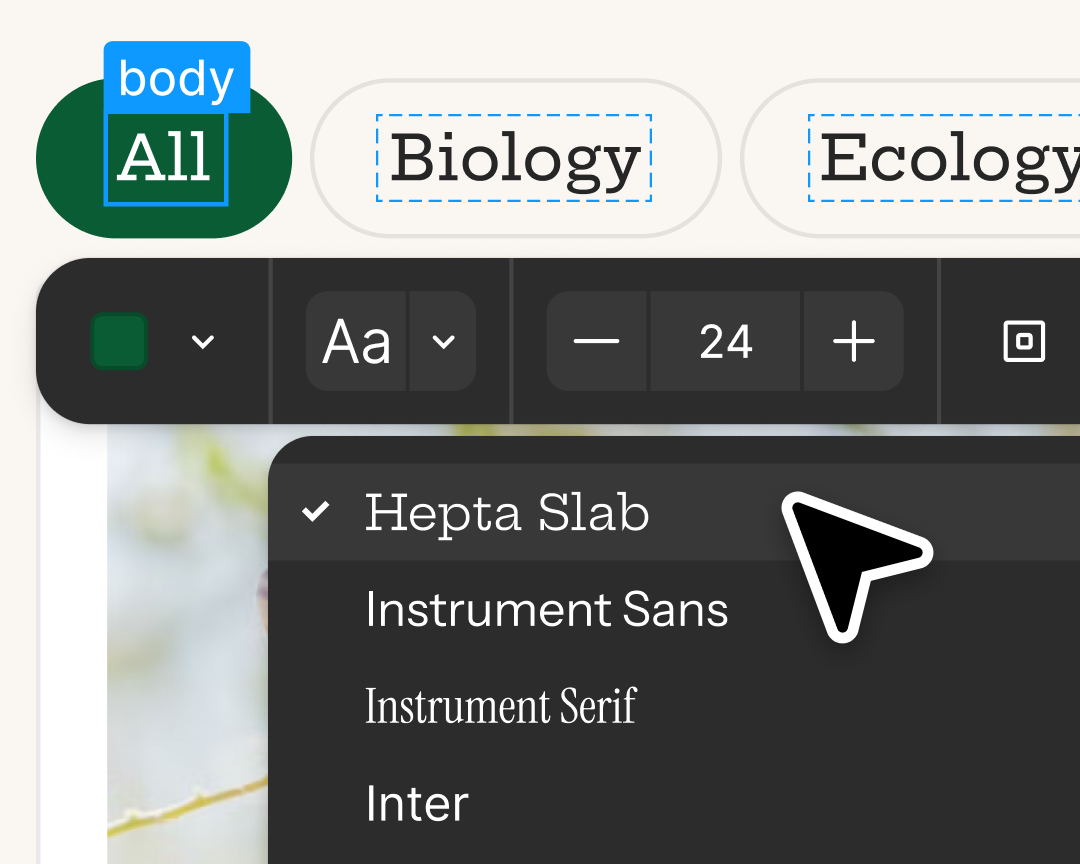
Edit and fine-tune AI outputs. You can directly edit what Figma makes—whether that means rewriting copy, replacing images, or changing padding and margins. Or, copy your preview as design layers to continue iterating in Figma Design.
Turn Figma designs into accurate code with the Figma MCP server. It brings Figma context directly into agentic coding tools, like VS Code, Cursor, Windsurf, and Claude, for a more efficient workflow.
From idea to prototype in minutes
Validate ideas faster across rides, delivery, grocery, and new verticals at Uber, all in one place.
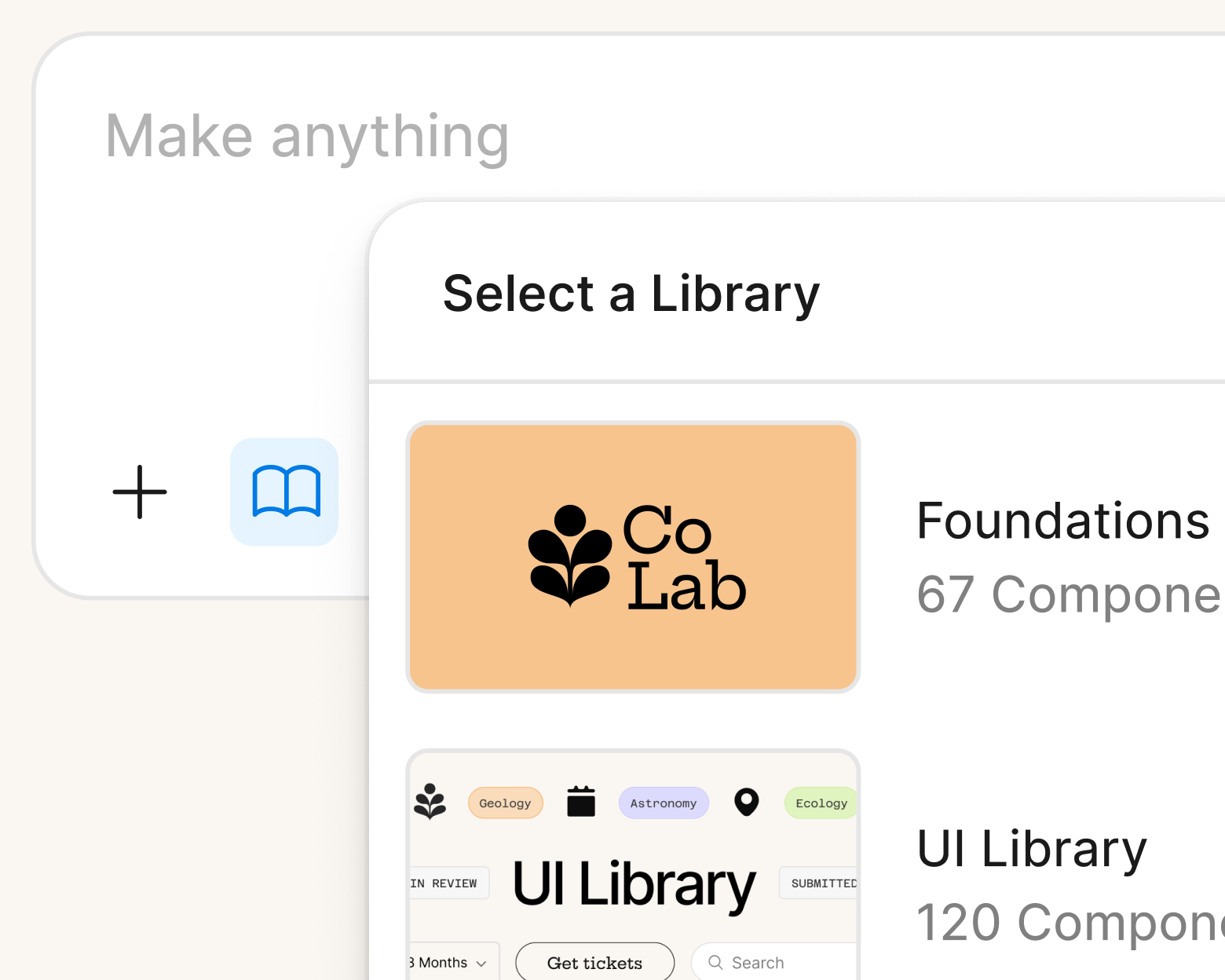
Create prototypes from real components
Make kits and Make attachments bring context into Figma Make, so prototypes start from real components, data, and constraints.
Learn more about Make Kits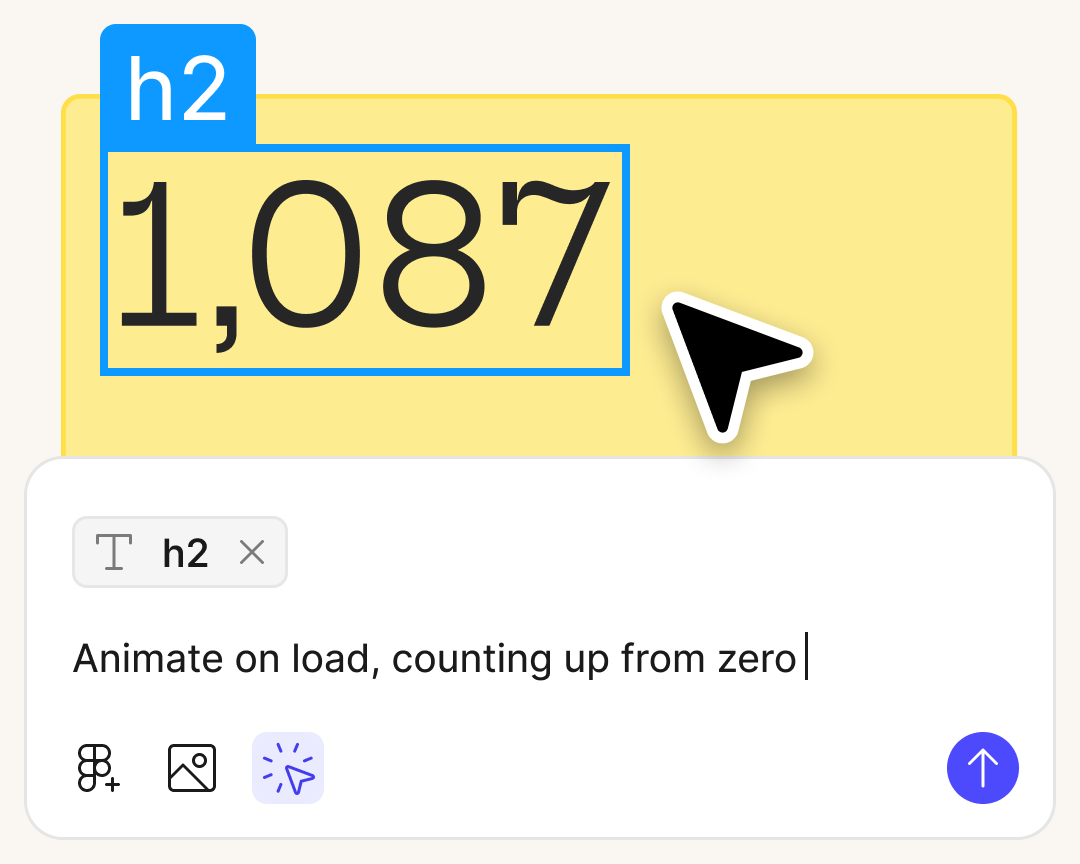
Prompt your way to a polished design
Select the part of the design you want to continue refining and prompt AI to change the appearance. Even if you aren’t sure how to design or code the outcomes yourself, AI can help you get there.
Learn more about Figma MakeScale design, reduce complexity
Generate multiple UI directions quickly while staying on-system across all of Uber's surfaces.
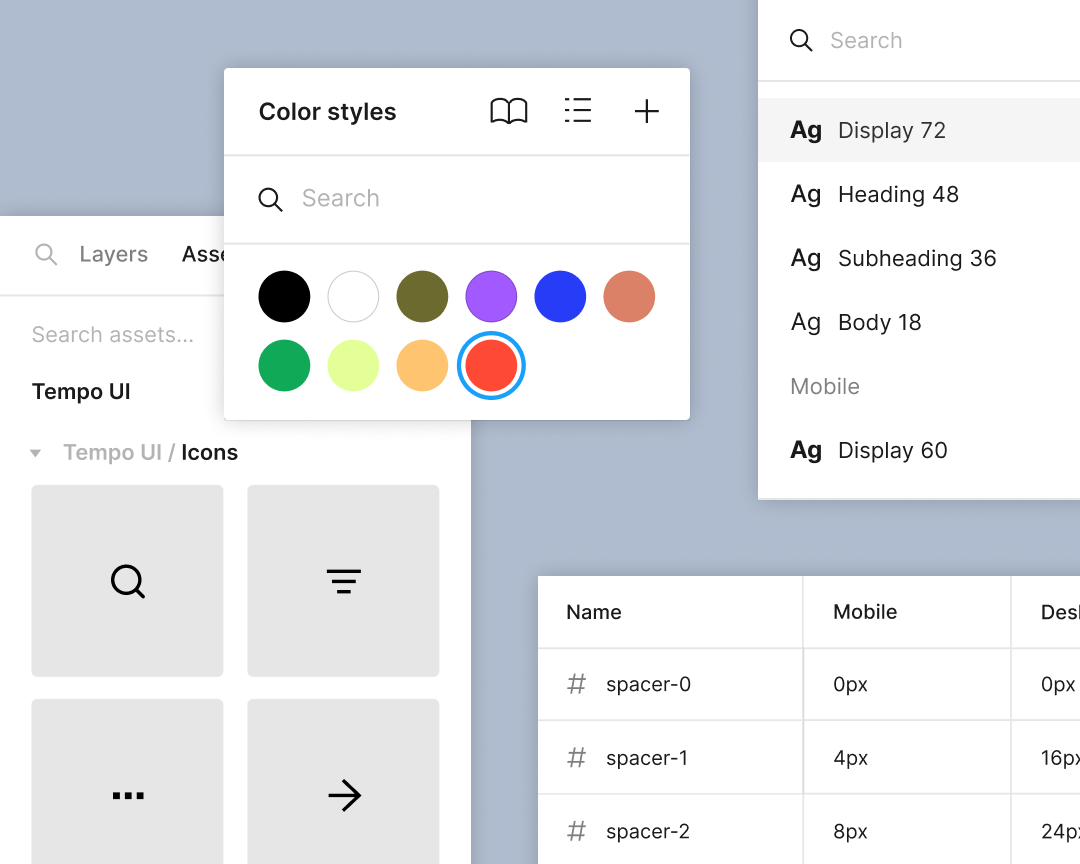
Enable consistency at scale
Standardize styles, components, and variables so that everything, from color to padding, scales seamlessly across your products and brands.
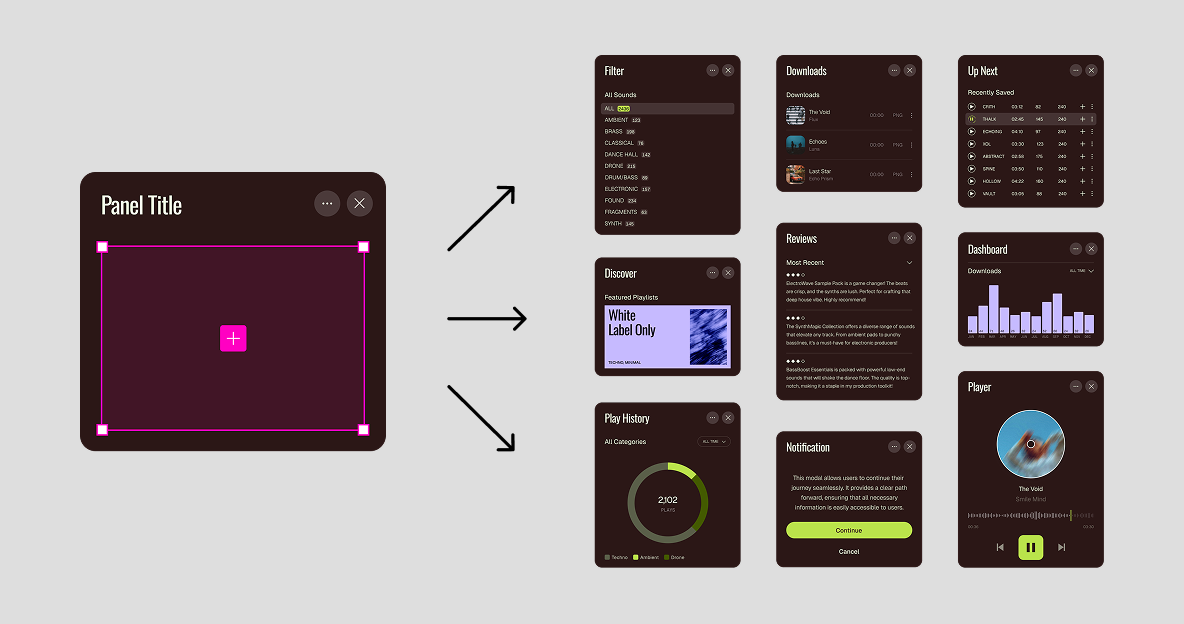
Customize components without breaking the system
With slots, designers can customize components, like menu options, buttons, or icons without detaching, so design system content can flex without breaking structure.
Learn more about slotsDesign context, delivered to code
Ship faster with less rework across Uber's developer organization.
Build with real components, tokens, and specs
Link your codebase with Code Connect to instantly generate ready-to-use snippets from your existing design system in Figma.
Learn more about Code ConnectSupport AI-assisted coding workflows
You can now direct agents to create and update Figma files and components via the use_figma tool. And with skills, you can guide agents with context about your team's decisions and intent.
Learn more about the use_figma tool Let's talk about what Figma can do for your team at Uber
Your account executive, Katie Collins, is ready to walk you through how Figma can streamline your product workflows — from ideation to developer handoff. Book a time that works for you.
Book time with Katie